

Most senior living dining teams know when their software is falling behind. The café register doesn't talk to the dining room. Reservations still live on a clipboard. Meal plan balances get reconciled by hand at the end of the month.
What stops many communities from fixing it isn't the cost or the features. It's the fear of disruption. Dining runs three meals a day, seven days a week, and nobody wants to be the person who broke dinner service.
So how do you upgrade senior living dining software without disrupting service? The short answer is that you don't have to change everything at once. Here's the practical approach we recommend as communities bring their dining management into 2026.
Why Communities Put Off a Dining Software Upgrade
When we talk with dining directors, the same worries come up again and again. Will staff have to learn a whole new system during a busy season? Will resident accounts and meal plans carry over correctly? What happens if something goes wrong in the middle of a meal period?
These are fair questions. Dining is one of the most visible parts of daily life in a community, and residents notice right away when something feels off. But staying on an outdated system has its own cost. Staff keep re-entering the same information in more than one place, reservation mix-ups keep happening, and small billing errors quietly add up month after month.
The goal isn't to avoid change. It's to make the change in a way that residents barely notice and staff actually welcome.
How to Upgrade Senior Living Dining Software, Step by Step
1. Start with the biggest source of friction
Ask your team where the day goes wrong most often. For some communities it's the café line at lunch. For others it's the reservation desk, or the back office trying to make meal plan billing add up. Start there.
A modular platform makes this possible. With Cardwatch, communities choose the applications that fit how they run, such as serveit for café POS, bookit for dining reservations, or trackit for resident accounts, meal plans, and billing. You can begin with one area and add more later, and everything stays tied to the same resident account.
2. Clean up resident accounts and meal plans first
Your new system is only as good as the information you bring into it. Before you switch, review your resident list, meal plan types, balances, and dietary notes. Remove duplicates and inactive accounts, and make sure every meal plan is set up the way you actually bill for it.
This step is easy to rush, and rushing it gets expensive. A meal plan configured the wrong way can cost a community revenue for months before anyone notices, which we wrote about in How Do Meal Plan Mistakes Impact Revenue in Senior Living?.
3. Pick a quiet window to go live
Timing matters. Avoid holidays, family events, and the weeks when you're already short-staffed. Many teams find that a slower weekday, between meal periods, is the easiest moment to switch a location over. Plan a simple fallback for that first service, so staff know exactly what to do if a question comes up.
4. Train staff on real situations, not just buttons
People learn faster when training looks like their actual shift. Walk servers, hosts, and cashiers through the situations they see every day: a resident paying with a meal plan, a guest joining for dinner, a last-minute reservation change, an order that needs a substitution.
Short sessions before go-live, plus a familiar face on the floor during the first few services, go further than one long training day. We shared more ideas on this in Why Is Training New Dining Staff So Difficult?.
5. Tell residents what's changing, and why
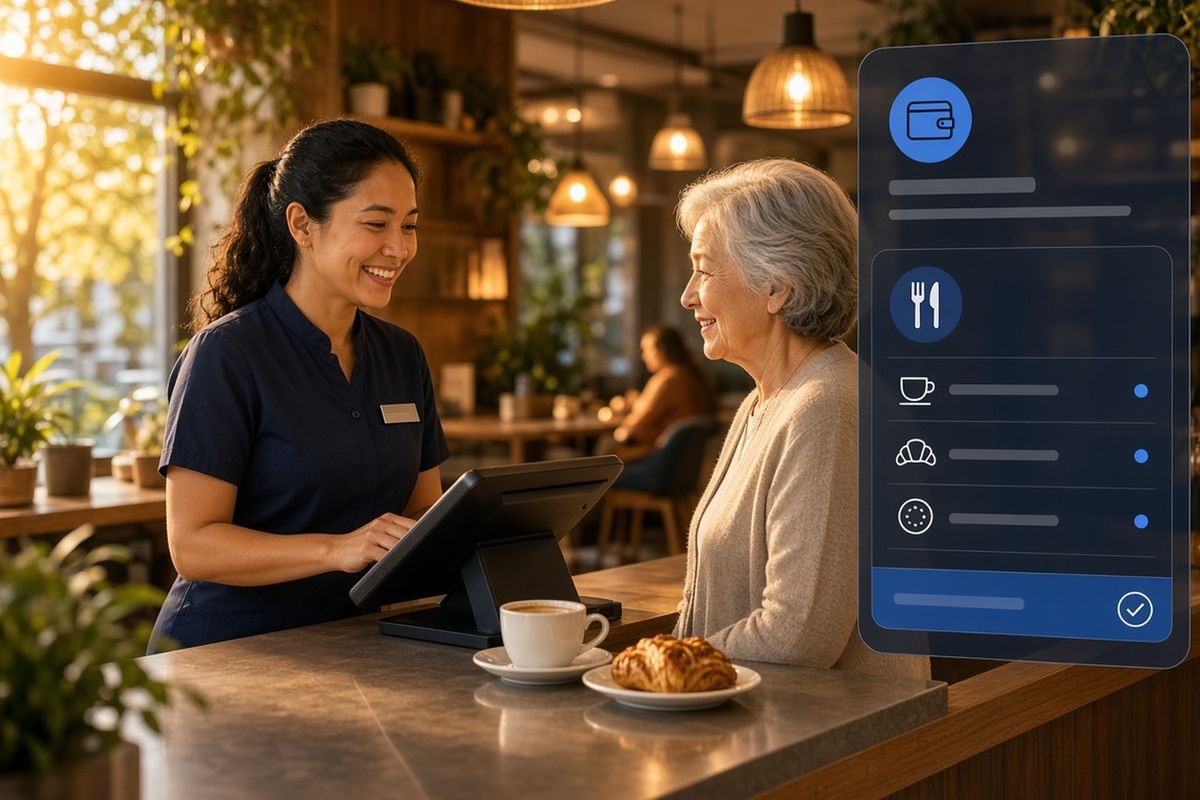
Residents don't need a technical briefing, but they appreciate a heads-up. Let them know what will look different, what stays the same, and how it makes dining easier for them. If you're adding mobile ordering or self-service reservations, a short demo at a resident meeting can turn curiosity into excitement.
6. Expand once the first area is running smoothly
After the first location or service feels routine, add the next one. Because the resident account follows the resident everywhere they eat, each new piece builds on the last instead of starting from scratch. Over time, the café, dining room, reservations, mobile ordering, and back office all share the same information.
What a Modern Dining System Should Give You After the Upgrade
An upgrade is worth it when daily work actually gets easier. Here's what to look for once you're up and running:
- One resident account across every dining venue, so staff see meal plan context at checkout or check-in.
- Less re-entering of the same information, because front of house, kitchen, and back office share one flow of data.
- More choice for residents, such as ordering from their phone or managing their own dining reservations.
- Clearer reporting on meal plan usage, transactions, and revenue, so leaders can spot problems early.
That's the thinking behind Cardwatch's new look and the connected platform we introduced with Cardwatch 4.0. If you'd like the full picture of what's included, read Senior Living Dining Management Software: What's New in 2026?.
Frequently Asked Questions
Do we have to replace our whole dining system at once?
No. With a modular platform like Cardwatch, many communities start with the area that causes the most friction, such as the café POS or dining reservations, and add other applications over time.
How do we avoid disrupting meal service during the switch?
Clean up resident accounts and meal plans ahead of time, go live during a quieter window, train staff on real scenarios, and have someone familiar with the system on the floor for the first few services.
What should we prepare before upgrading senior living dining software?
Gather an accurate resident list, current meal plan types and balances, dietary notes, menu items, and a clear picture of each dining venue and how it bills. The cleaner this information is, the smoother the move.
Bring Your Dining Into 2026 Without the Stress
Upgrading dining software doesn't have to mean a hard reset. Taken one step at a time, it can feel less like a disruption and more like a steady improvement your residents and staff notice in the best way.
Thinking about where your community should start? Visit Cardwatch to explore the platform or book a demo with our team.